Sesame is currently in closed beta. If you would like to try out Sesame ahead of launch, let us know
Your collection
Last modified on

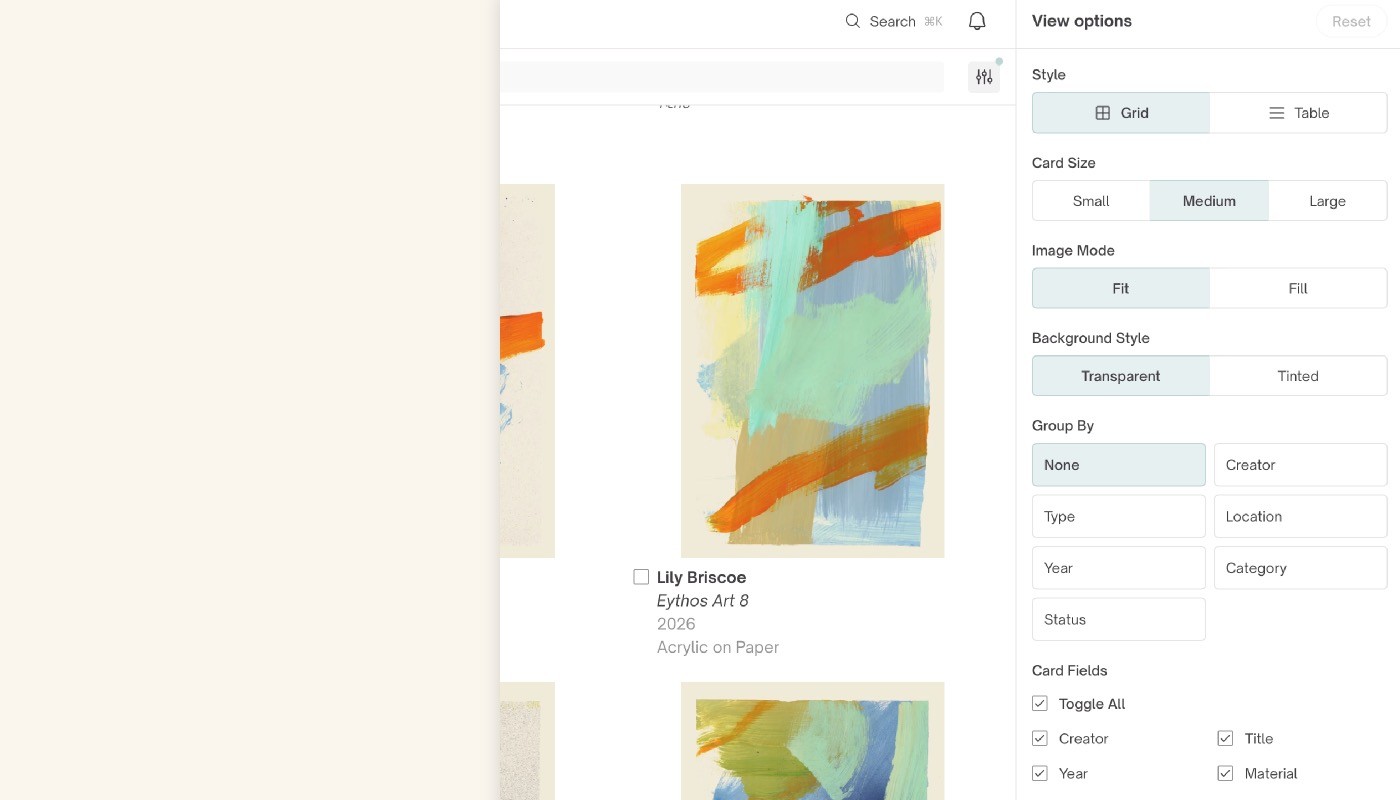
Sesame gives every physical piece in your collection a comprehensive home online. Whether you are documenting fine art, design objects, sculpture, or rare collectibles, this page serves as the authoritative source of truth for your entire inventory.
To add a new item to your collection at any time, simply tap the Add button located at the top right of the screen.
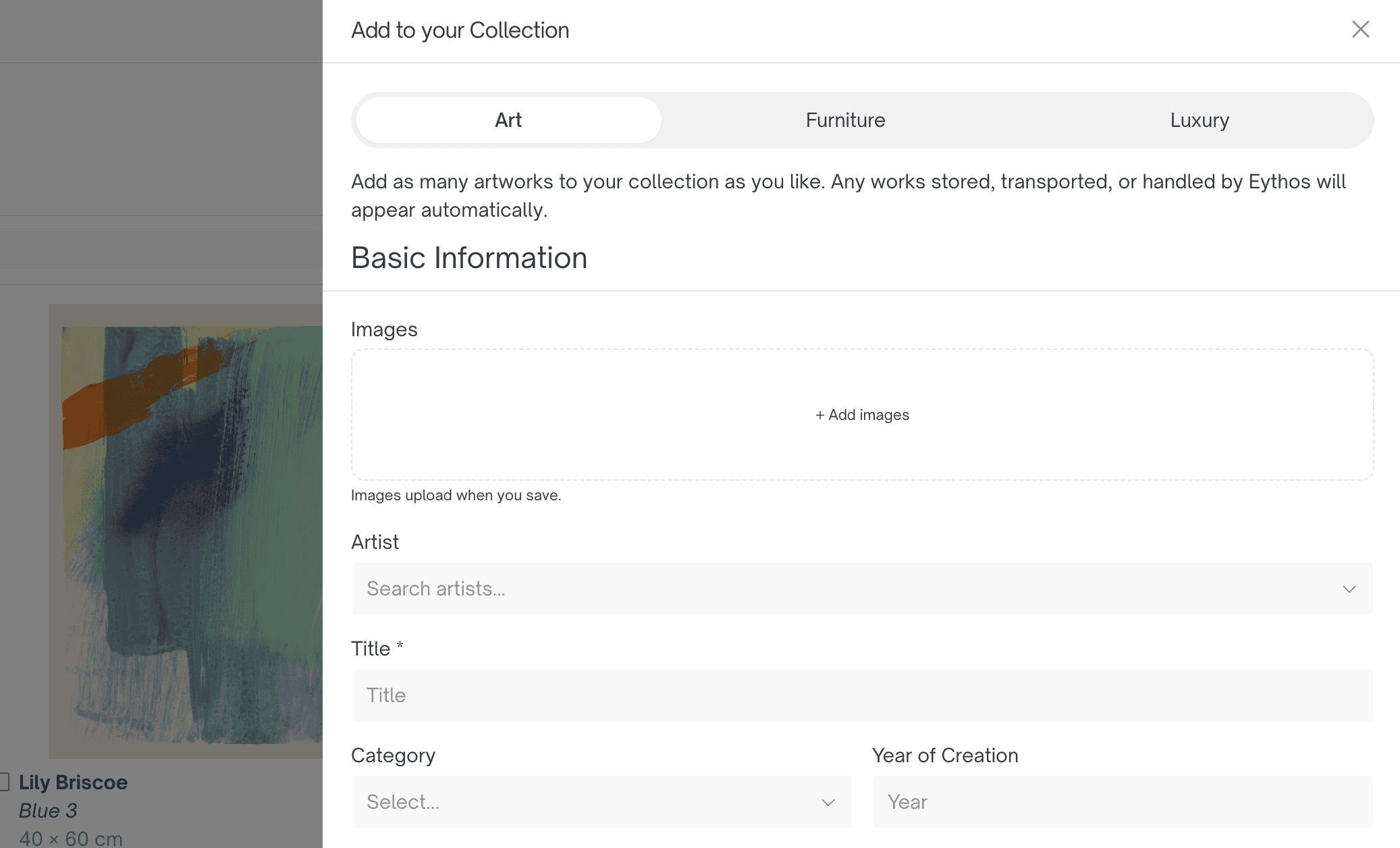
Key components of an asset record
Every Asset page organises information into distinct modules to keep technical details, imagery, and historical context clearly structured:
Visual documentation
Primary Image: High-resolution hero photograph used across Collection views and Selections.
Supporting Images & Views: Additional photos showing detail shots, signatures, installation views, or framing/back-of-frame markings.
Core artwork information
Artist / Creator: Linked to your main artist index for easy filtering.
Title & Year: Official title, date, or date range of creation.
Medium & Materials: Detailed material descriptions (e.g., Oil on linen, Patinated bronze, Plexiglas and steel).
Dimensions: Precise measurements (Height × Width × Depth) including unit toggles (cm or inch), plus framed or installed dimensions where applicable.
Provenance & history
Provenance Trail: Documented line of prior ownership, galleries, and auction history.
Exhibitions & Literature: Public exhibition records, museum loans, and citations in catalogues raisonnés or art publications.
Condition & Conservation: Track physical condition reports, restoration notes, and handling recommendations.
Physical location & storage
Current Location: Track whether the piece is installed at a specific residence, on loan, in transit, or held at an Eythos facility (e.g., Hong Kong or Seoul).
Packing & Crating: Storage status, crate numbers, or specific packing requirements.
Financial & confidential data
Valuation & Insurance: Estimated value, insured value, currency, and policy details.
Acquisition Details: Purchase price, invoice attachments, vendor/gallery name, and acquisition date.
Privacy & permission controls for assets
Sensitive financial data within an Asset record is automatically protected based on team member roles:
Owners & Admins: Have full access to edit asset details and view financial data (acquisition invoices, valuation numbers, and storage agreements).
Managers & Editors: Can add, update, and manage core artwork details, images, and location tags, but financial fields are hidden.
Viewers: Can read asset details and high-resolution images, but cannot make edits or see confidential financial data.
Best practices for cataloging assets
Use High-Resolution Master Images: For optimal display in grid views and when exporting PDF portfolios, upload clear images against neutral backgrounds.
Include Back-of-Canvas & Markings: Photograph gallery labels, artist inscriptions, and edition stamps—these are crucial for verification and provenance.
Keep Dimensions Standardized: Always double-check whether entered dimensions refer to the unframed artwork, framed piece, or three-dimensional footprint.